Wakewall
The App That Took on
The App That Took on
3 Roles and Nailed
Them All
Solution
Mobile App DevelopmentTechnology
Android & iOS DevelopmentIndustry
LifestyleProject Duration
8 Months

When the Right Team
Changes Everything
Wakewall is a lifestyle productivity app that combines three core functions—task management, note-taking, and scheduling into one clean, unified experience. It helps users organize their day without switching between apps. But building something that simple on the surface meant getting everything right underneath—architecture, flow, and execution.
That clarity came after a rocky start. U.S. entrepreneur Raul Landeros had already lost time and trust to freelancers who overpromised and underdelivered. What he needed was a team that could think beyond tickets. That’s when he found VE. With a dedicated trio - Rohit (TL), Preeti, and Shubham - Raul didn’t just get a product built. He got a partner who challenged assumptions, brought structure, and earned enough trust that he recorded this testimonial mid-project.
Mobile App for Android & iOS
Wakewall was built to feel fully native on both iOS and Android. Using Swift and Kotlin, We developed parallel mobile apps that delivered real time sync, responsive UI, and platform specific polish ensuring smooth journaling, scheduling, and reminders across devices without sacrificing performance.

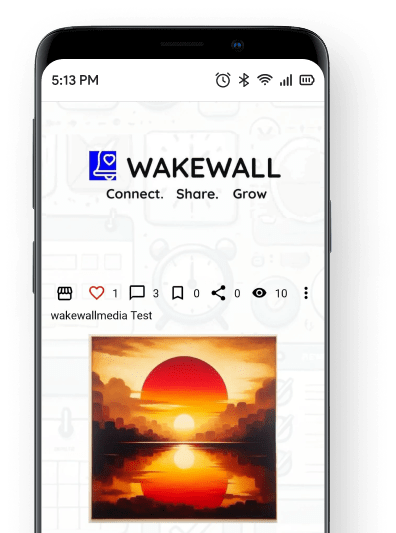

User Centric UI Design
The UI of Wakewall was crafted to eliminate friction whether users are writing a note, setting a reminder, or sharing a moment on the public wall. Every element was stripped down to its core purpose: speed, simplicity, and control. No cognitive load.
From color-coded note tagging to single-tap reminder scheduling, Wakewall’s interface was purpose-built to feel like second nature whether you're in work mode or wind-down mode.
Communication Flow
Wakewall seamlessly synchronizes user actions across devices through a tightly integrated communication flow. From scheduling reminders to interacting on the public wall, every command flows through three core layers:


Mobile App
The Wakewall app acts as the control center—where users create, update, and trigger actions. It bridges real-time user input with backend services, keeping the experience smooth and immediate.

Firebase Backend
All logic runs through a Firebase-powered backend. It processes user data, manages authentication, delivers notifications, and syncs content—whether it's a note, a post, or a reminder.

Device Layer
Client-side optimization ensures fast rendering and battery-efficient interactions. Encrypted storage and conditional rendering rules ensure that user content stays private and performs reliably.
Tailored Development Approaches
The iOS and Android apps for Wakewall were developed using platform-native technologies and architecture optimized for speed, stability, and seamless UI. Each build had its own technical focus to maximize performance and user engagement.
iOS Application
Android Application

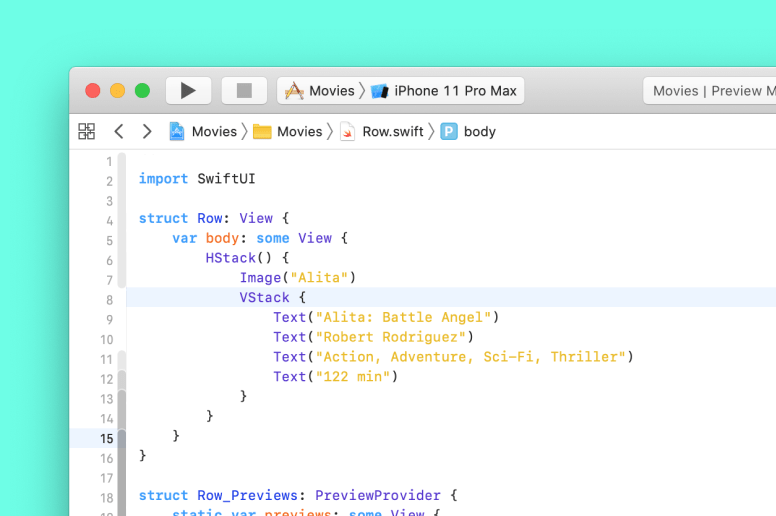
Utilized Swift as the primary programming language.

Swift-First Build
Swift was used to develop the iOS application, enabling a smooth, responsive UI and fast load times for reminder and note interfaces.

MVC Architecture
Employed the Model View Controller pattern to maintain a clean code structure critical for real time updates like reminder triggers and content sync.

Agile Execution
Feature rollouts were planned and released in sprints, with user testing integrated after each milestone.

On Device Encryption
Implemented secure local storage for notes and reminders using native iOS encryption protocols.


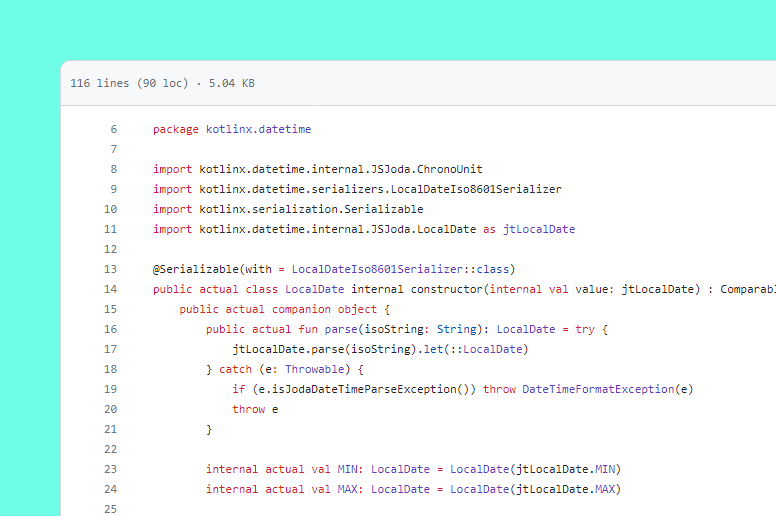
Developed using Kotlin and Java,
taking advantage of their unique strengths.

Kotlin & Java
Wakewall’s Android app was developed using both Kotlin and Java, allowing for efficient integration of legacy modules and rapid feature development with modern syntax.

MVVM Architecture
The app followed the Model-View-ViewModel (MVVM) pattern, enabling clear separation of UI, logic, and data layers essential for modular scaling and real-time updates.

Offline Synchronization
Local data caching and sync logic ensured Wakewall worked seamlessly without an internet connection, syncing updates once connectivity was restored.

Native Notifications
Integrated with Firebase Cloud Messaging (FCM) to deliver instant alerts for reminders, posts, and interactions optimized for Android’s push delivery system.
Challenges and Solutions
Image Upload
Optimization
Handling high-resolution image uploads without lag was a major hurdle, especially on iOS devices.
Images were compressed directly on-device using native Swift libraries before upload—cutting payload size by up to 70% without compromising quality.
Android
Compatibility
Supporting a wide array of Android devices and OS versions posed challenges due to fragmentation and hardware-specific behaviors.
Extensive testing and platform-specific optimizations ensured smooth performance across devices. The team also implemented modular code to reduce platform dependency and speed up deployment.
Key Features
Wakewall presents a comprehensive suite of features that redefine access control and enhance security management:
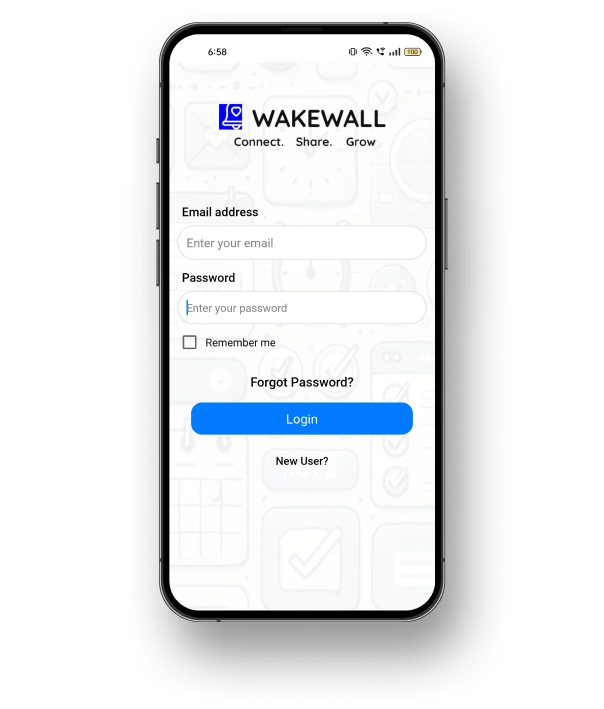
Easy Sign In
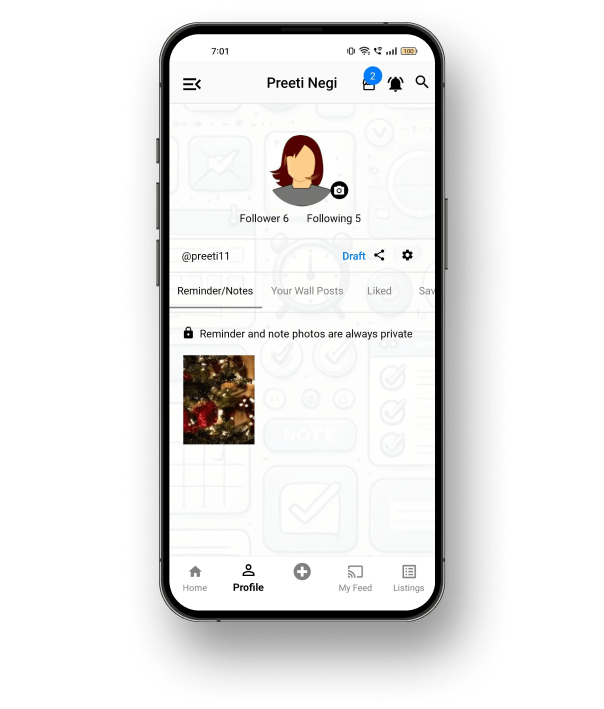
Users can log in seamlessly with email, password, or a third-party ID. The flow is designed for speed and simplicity. New users can register instantly without navigating away.
Unified Dashboard
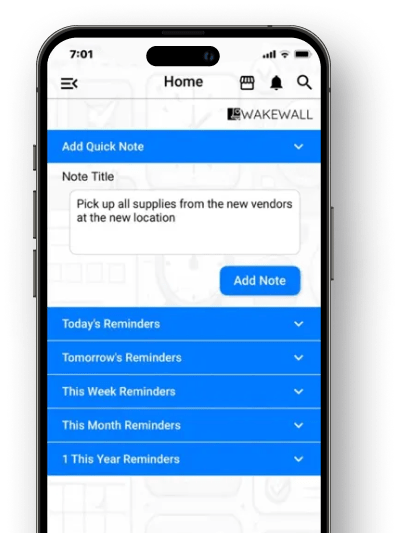
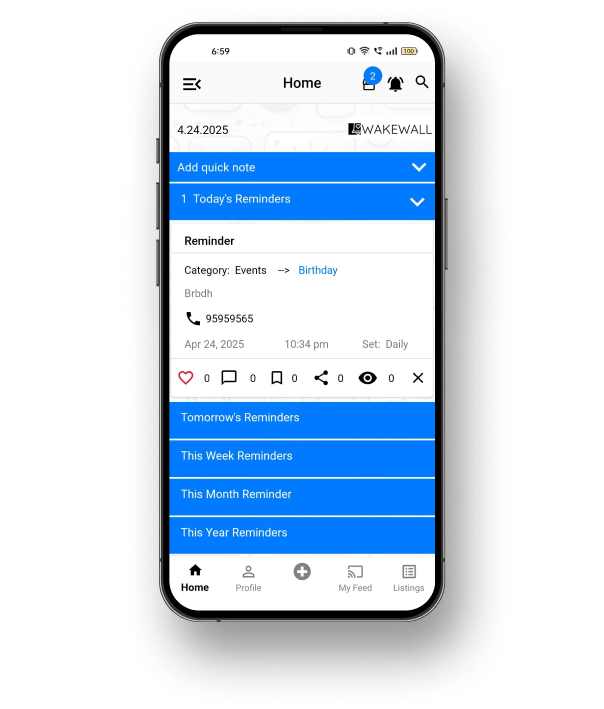
A central hub brings together quick notes and time-based reminders. Users can view tasks by day, week, or month all in collapsible sections. It’s designed for clarity and control.
Built In Reminders
All scheduled tasks are displayed with time, category, and action buttons. Users can edit, complete, or delete tasks directly from the dashboard. One tap keeps you on track.
Business Subscriptions
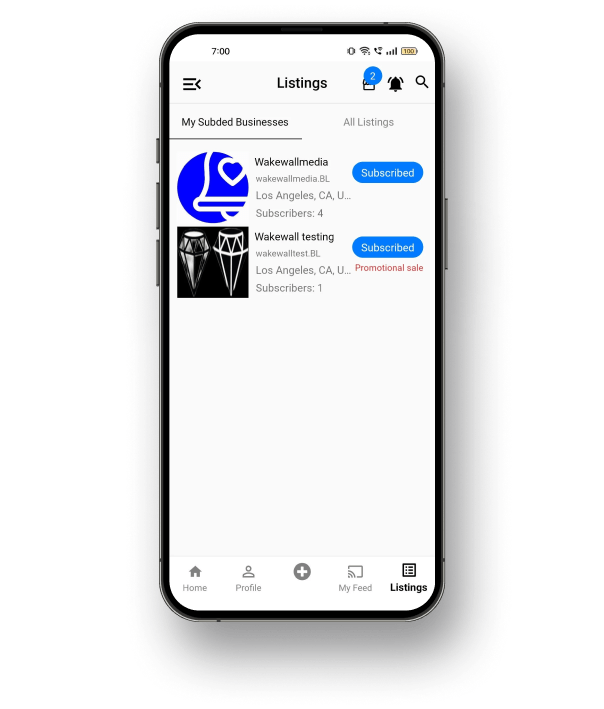
Users can discover, preview, and subscribe to business updates. Subscriptions unlock exclusive offers and updates in real time. The process is simple and transaction ready.
Interactive Feed
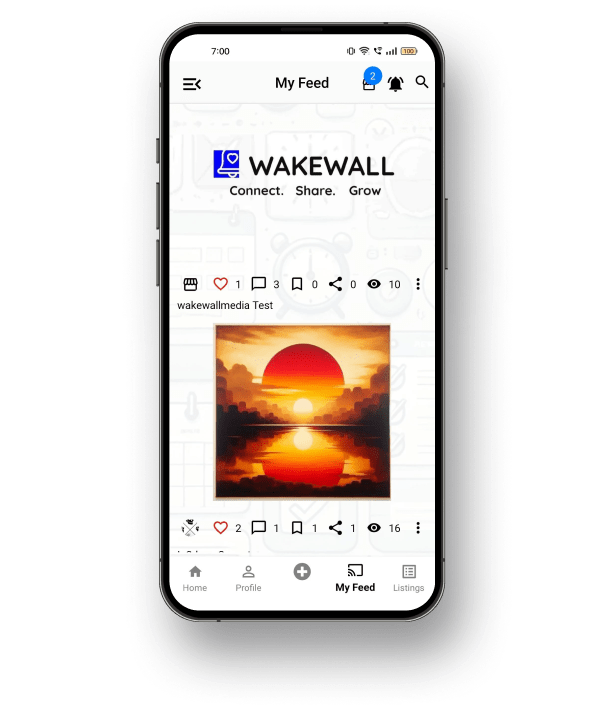
A scrollable wall features content from users and businesses. Posts support images, captions, and social actions like like, comment, and share. It’s built to connect and engage.
The Result
and the Impact

The Wakewall app was delivered a full month early across iOS and Android, with no post launch bug cycles thanks to VE’s agile execution and built-in QA.