Miles apart,
clicks away
VE’s journey to creating a fleet management app that digitally connects truckers and companies.
Introducingthe app
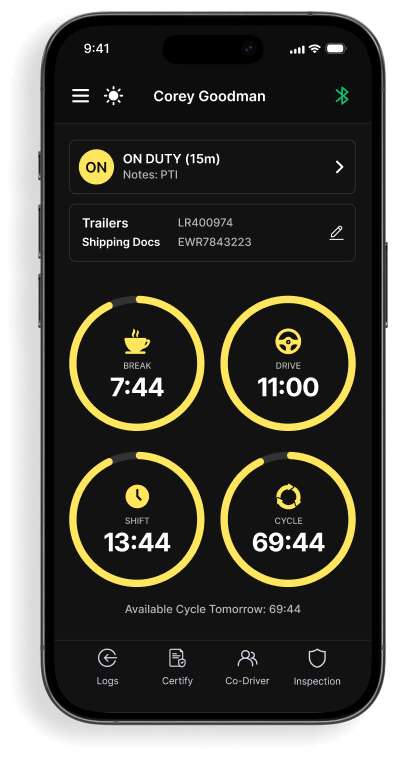
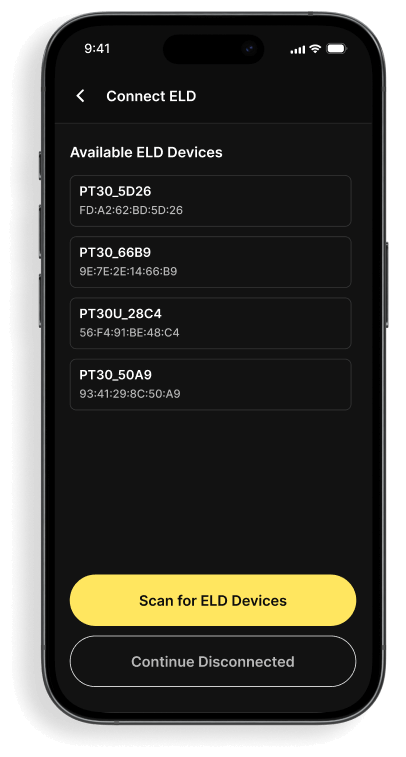
Think of a smart system where truck drivers can easily check their daily tasks and update their work status right from their phones. It’s like a smart assistant for truck drivers and the companies they work for truck drivers and the companies we work for. On one side, truckers get a mobile app to help them with their day-to-day tasks and track their work. On the other side, companies use a website to keep an eye on how their drivers are doing. It's like a bridge connecting drivers and companies, making sure everyone stays in sync and on track. All in all, TruckPath is the ultimate toolkit to manage and monitor a whole fleet of trucks with ease!
Architectural blueprint
Every project's backbone is a well-drawn plan. Here’s a breakdown
Sentinel
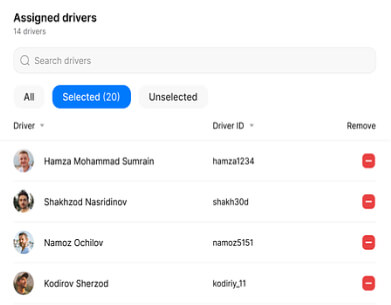
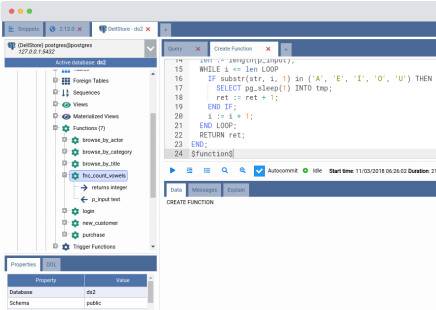
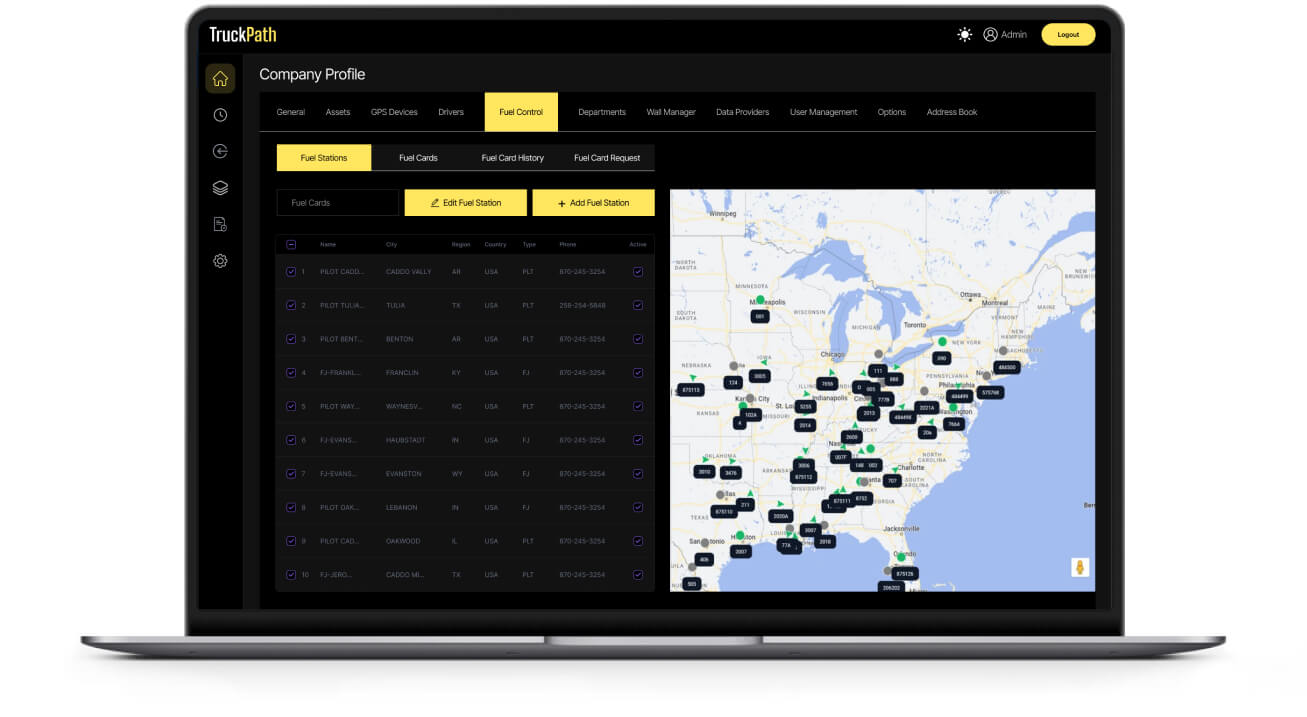
This is the web portal where managers can set permissions for driver accounts and track how drivers are performing.
Backend Database
Sentinel and the mobile app need a place to store and share data. That's what the backend database is for.
TruckPath App
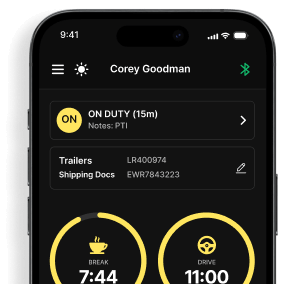
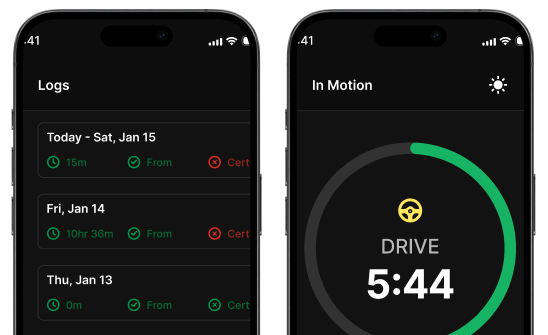
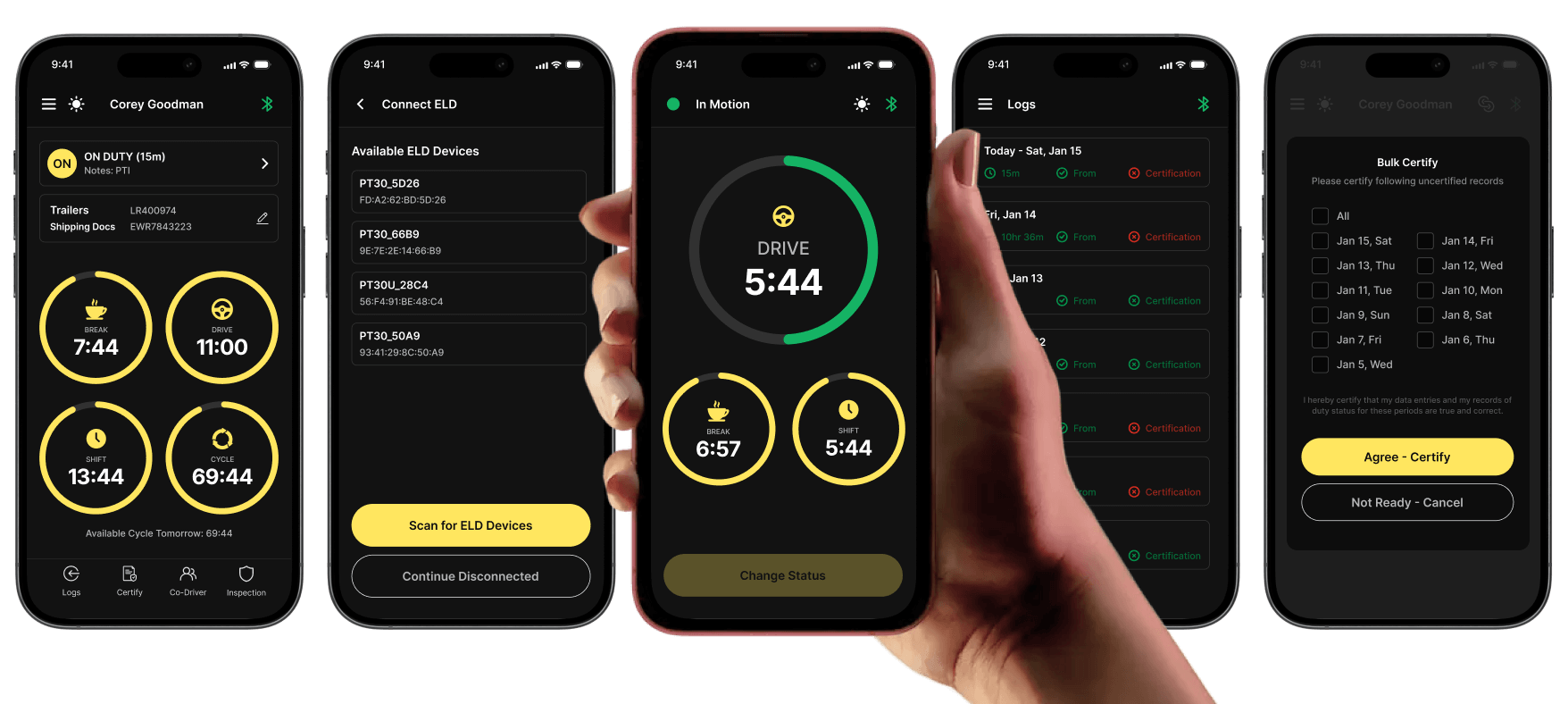
This is a mobile app for drivers. Drivers use them to update their work status and get information from the truck's hardware systems.
Core Principles
- Calculate driving hours.
- See driver's logs.
- Communicate in real-time.
Hardware On-Boards
This is equipment placed inside trucks. It collects important data like how fast the truck is going, how long the engine has been running, and where the truck is moving, how long the engine has been running, and getting the truck's location.

From ideation
to implementation
Every journey has its milestones. Here’s the route taken
pillars: Mobile app and Website
The tech solution
Platform Selection
To make our app work on both Android and iOS devices, we used the right
programming languages for each platform.
For iOS devices (like iPhones and iPads),
we used Swift. Here's why:

Apple, the company behind iOS, recommends and supports Swift. It's made specifically for iOS, so it works really well and fits right in with iOS devices.

Experience
Swift is designed to work smoothly with iOS. This means that our app feels natural and responsive on iPhones and iPads.

Goodies
Using Swift gave us access to all the latest iOS tools and features. This allowed us to take full advantage of what Apple offers, making our app even better for iOS users.
For our Android app,
we went with Java. Here's why:

Java is the top choice for building Android apps, according to Google, the maker of Android. It's like the perfect match for Android devices.

Efficient
Java is known for being dependable and efficient. This helped our app perform well on a wide range of Android gadgets, from phones to tablets.

Java gave access to Android-specific resources. These include libraries and tools that let our developers use Android's unique features, making our app top-notch for Android users.
Tracking Work Hours
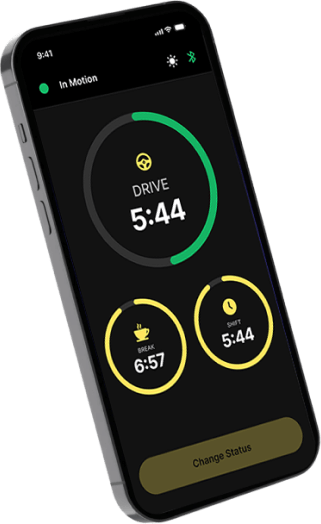
The app helps users track their hours. It has easy-to-use features like dropdown menus, date-time pickers, and a clock-in/out system. It does the math to calculate the total hours worked and checks if it's in line with transport rules. All this data is saved in a storage system or 'database'.
Database Design
We used PostgreSQL to create tables for storing user data, trip details, and work status.
Data Access
Instead of a common method called REST, we used GraphQL. This lets them get data more flexibly.
Connecting with Truck Hardware
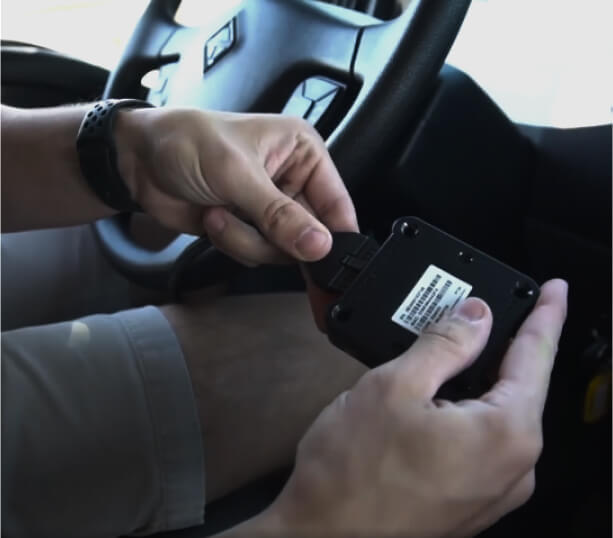
The app can connect to truck devices using Bluetooth or a special connection method. We use specific tools (SDKs) to understand data from these devices and might have alerts for the driver if something's wrong.
SDKs
These were tailored to each hardware device, enabling the app to interact seamlessly.
Bluetooth 4.0
Used for real-time communication with devices.
Live Tracking
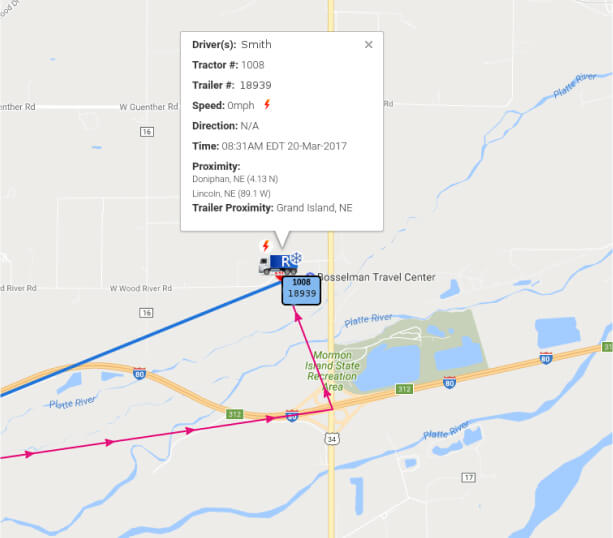
The app uses GPS to track locations and show them with visuals like maps. Displaying this data in a comprehensible manner involved UI elements like maps, gauges, and progress bars.
GPS APIs
Gets the device's exact location.
Mapbox SDK
Shows locations and paths on the app.
Website Development
Choosing Tech Tools
We built the website using a technology stack called MERN, which includes MongoDB, Express.js, React, and Node.js. The part you see on the website (front-end) was made with React JS, a flexible tool that works well on different devices.
React is great for creating interactive features, and we used tools like Context API and Redux to keep things organized and consistent in the website.

Viewing Data
To display data in the form of charts and graphs, we used tools like Chart.js or D3.js. The data that these charts show is generated by the backend of the website, which crunches the numbers to give insights, like how well a driver is doing.
Authentication and Security
We made sure that only authorized users can access the website by using technologies like OAuth 2.0 and OpenID for secure login. We also used JWT Tokens to exchange information securely.
User Access Levels
We set up a system where different users have different roles, like admin, driver, or manager, and each role has specific things they can do on the website.
Getting Data Out
We made it possible for users to download the data in formats like CSV or Excel, so they can analyze it further on their own.
Efficient Data Handling
For handling large amounts of data, we used something called Node.js Streams, which is a way to work with data efficiently, especially when dealing with big datasets.
Technical insights
We used a mix of things like MERN stack (which is a popular set of tools for web development), AWS (a place to run and manage
online apps), and Stripe (for money-related operations).
Design Principles
Website:
Employed MVC (Model-View-Controller)
for code organization.
Phone App:
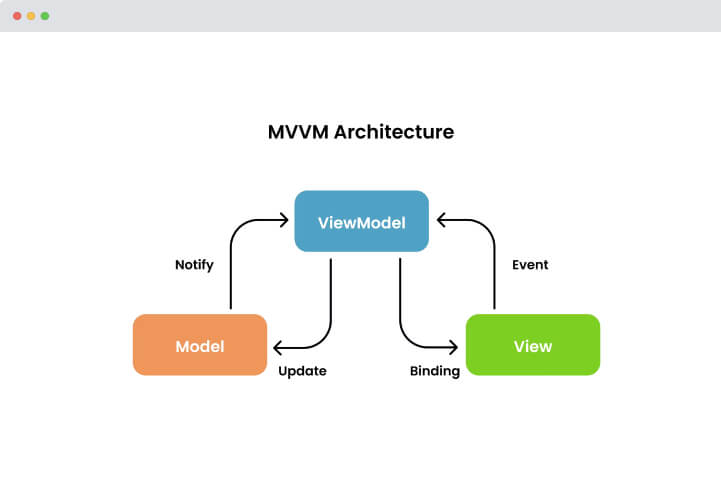
Adopted MVVM (Model-View-ViewModel)
for mobile UI adaptability.
Project Management:
Agile and Scrum methods ensured adaptability
and efficiency.
Important Technical
Choices We Made
- First, we used AWS Lambda. Later, switched to a simpler system (Monolithic) and then moved to a more divided system called Microservices.
- Showed real-time locations using a socket.io tool.
- Set up strong protection against big-scale cyberattacks (called DDOS attacks).
Technical Documentation & UI/UX
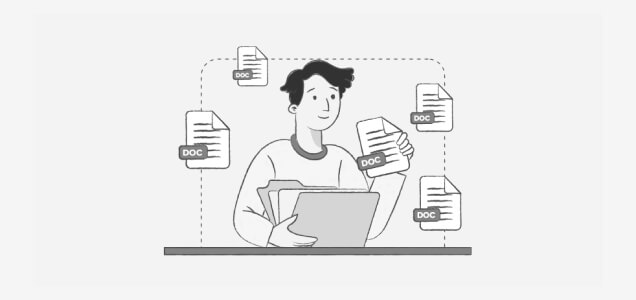
- Created user stories and used case diagrams, similar to making a to-do list.
- Used entity relationship diagrams (ERD) like maps to show how database information connects.
Backend Development & API
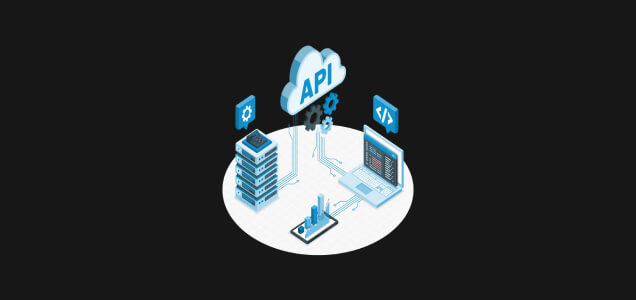
- Implemented API versioning to ensure old versions still work when we update.
- Added rate limiting to protect servers from too many requests, ensuring a smooth user experience.
Offline Data Support
- Enabled app use without internet by using Service Workers to save information on devices.
- Utilized tools like WebSQL or localStorage to keep important data on devices, eliminating the need for an internet connection.
Testing & Optimization
- Conducted load testing with tools like Apache JMeter to check if the server can handle a large number of users without crashing.
- Performed integration testing to ensure different parts of the software work well together.
Creative solutions
& continuous integration
The project faced number of challenges, including design issues and continuous data updates. But we found
creative solutions for each obstacle, keeping the project on track.
Innovative Alterations
- Added local notifications for user reminders.
- Implemented silent API calls for background communication.
- Enhanced data storage methods for security.
Continuous Integration (CI)
- CI serves as a quality check before adding new work (e.g., code changes).
- Used tools like Jenkins or Travis CI to automatically test new additions, ensuring everything is in order before implementation.
Containerization with Docker
- Docker ensures consistent project performance across different environments.
- It acts like a portable container, guaranteeing uniform operation wherever it's deployed.
Safeguarding Information
Data Encryption
- Employed bcrypt to scramble sensitive data, such as passwords, before storage to prevent unauthorized access.
- Ensured data safety during transfer by adhering to HTTPS protocols, which established secure connections to protect the information in transit.
- Our approach involved encryption at rest and in transit, safeguarding data both when stored and when it's on the move.
Multiple Security Measures
Used several ways to keep data secure:
- Made sure only authorized people could access the data with things like usernames and passwords.
- A system to manage special "tokens" that confirm someone's identity.
- Had defenses against massive, harmful internet attacks known as DDOS.
Backup Plans
We had a copy of the data in different places. This was done in three ways:
- Copies of the database, known as DB replicas.
- Backups were stored in something called S3, which is like a huge online storage.
- Also, we kept some backups on local storage, meaning close-by computers or servers.
Teamwork & tracking
This is about how the team worked together and kept records of their work.
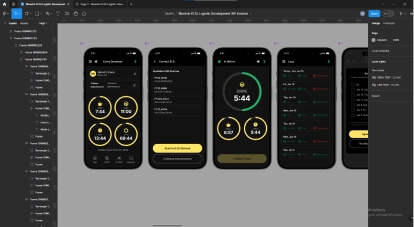
Designing with Figma
We used Figma as a digital sketchpad to visualize early design versions.
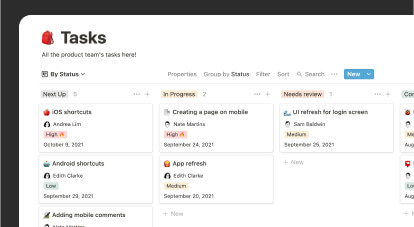
Task Organization with Clickup & Notion
We organized tasks with Clickup and Notion, digital planners that kept us organized and on track.
Coding on Github
We coded on Github, a collaborative platform that tracked changes and allowed easy error correction.
The team behind
the success

Arun (Team Lead)
A full-stack developer
5.5 years of experience.

Jitendar
Specializes in Node.js
6 years of experience.

Aarush
A full-stack developer
3 years of experience.

Ulash
Software Development
4 years of experience.

Arvind
Backend Developer
4 years of experience.

Mousami
Backend developer
11 years of experience.

Ashish (Team Lead)
Expertise in Java and Kotlin
11 years of experience.

Saudaminee
Android Software Development Engineer
5.5 years of experience.

Ajay
Android Software Development Engineer
7 years of experience.

Rahul
Android Software Development Engineer
4 years of experience.

Radheshaym (Team Lead)
Specializes in web QA
19 years of experience.

Vidhi
Mobile QA specialist
8 years of experience.

Ashwariya
Frontend developer
4.4 years of experience.

Satakshi
Frontend developer
3 years of experience.

Nishant (Team Lead)
Specialist in Swift
6 years of experience.

Dipesh
iOS developer
6 years of experience.

Rajesh
DevOps specialist
9 years of experience.
Navigating obstacles
Like any large project, the App encountered some difficulties. Here are the issues and
our approach to resolving them:

Handling More Data
What was the issue?
As more trucks and drivers joined, we had to manage more and more data.
How did we solve it?
We used a tool on AWS (a cloud service) that automatically adjusts to handle the added data, without needing someone to do it by hand.
Keeping Data in Sync
What was the issue?
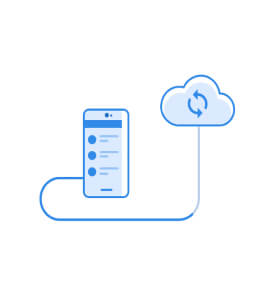
Drivers are in different time zones and sometimes go to places with bad internet. This made it hard to keep all their data updated and in one place.
How did we solve it?
We designed the system so that data is first saved on the driver's device. When the driver gets internet again, that data is then sent to the main system.

Following the Rules
What was the issue?
We had to make sure we were always following transportation laws. Also, we needed to keep their software up to date with those laws.
How did we solve it?
We made a special team whose only job is to watch for law changes and update the software as needed.
The Vision and Success of the app in the Trucking Industry
Technology wasn't just the driving force behind the app and website creation; it was also about simplifying and enhancing the trucking industry's operations. A blend of the right technology, expertise and collaboration led to the project's success. It’s more than just a digital solution; it’s a testament to what can be achieved when innovation meets dedication.