VE Built Medical App That Cuts Coordination Time By 50%
About
Doctor's Aid
A mobile application specifically developed to enhance communication, collaboration, and patient engagement within the healthcare sector. It places a significant emphasis on maintaining strict data security measures and adhering to healthcare regulations.

The Idea
Behind the App
Our client, the brain behind the Doctor’s Aid App, recognized the critical need to bridge communication gaps within his healthcare business. He was looking for a mobile application that could empower the staff, doctors, and employees within his healthcare facilities to keep in touch and work in collaboration with each other.
The First Hurdle-
HIPAA Compliance
When dealing with the healthcare industry, our primary focus is to ensure that the medical data of the patients stays secure. To ensure this, we implemented state-of-the-art data encryption techniques which we have described below.
TLS (Transport Layer Security):
We implemented TLS, which is a cryptographic protocol that provides secure communication over a network.
End-to-End Encryption:
For messaging, audio calls, and video calls, we utilized end-to-end encryption. This means that data is encrypted on the sender's side and decrypted on the recipient's side, ensuring that even if intercepted, the data remains unintelligible to unauthorized parties.
AES (Advanced Encryption Standard):
AES is a widely recognized and highly secure symmetric encryption algorithm. It was used to encrypt the data within messages and media shared during audio and video calls, adding an extra layer of security.
Secure Key Exchange:
To establish secure communication, the app implemented secure key exchange mechanisms, such as Diffie-Hellman key exchange, to ensure that encryption keys were securely and privately exchanged between users.
The Planning Phase:
Studying Similar, Existing Apps
In the planning phase, it was essential to study existing healthcare communication apps to identify their strengths and weaknesses. These are some real-life examples of similar apps in the US we studied before we started working on the Doctor’s Aid app.

Doximity is a popular healthcare communication platform in the US. While it offers secure communication, it may lack certain features required for comprehensive healthcare coordination.
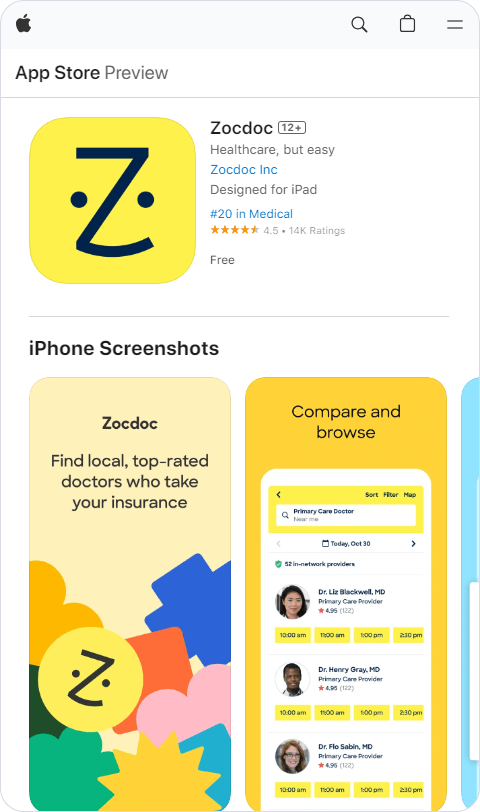
Zocdoc is a healthcare appointment booking app. While it streamlines appointment scheduling, it does not provide the extensive communication capabilities needed in healthcare facilities.

UpToDate is known for its medical reference content. While it provides valuable information, it does not offer the communication and collaboration features required in the Doctor Desh Mobile App.
Choosing the Right Features
Analyzing the existing apps and their features gave us the perfect start. We knew what was missing in them and what we needed to do. The first step was to choose the right set of features for the app. The most significant of them have been discussed in some detail below:
Secure Real-Time Chat
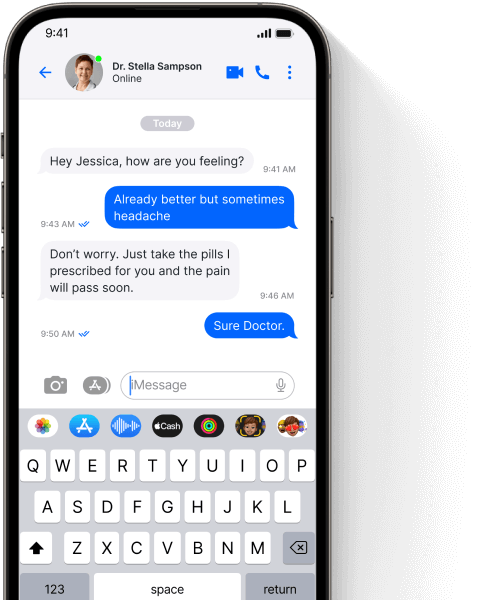
Messages, audio, and video calls were transmitted using secure protocols, compliant with healthcare data privacy regulations.
Centralized Server:
A centralized server AWS was established to serve as the core repository for message data.
Database Management:
AWS and Firebase were employed to efficiently store and organize message data.
Message Synchronization
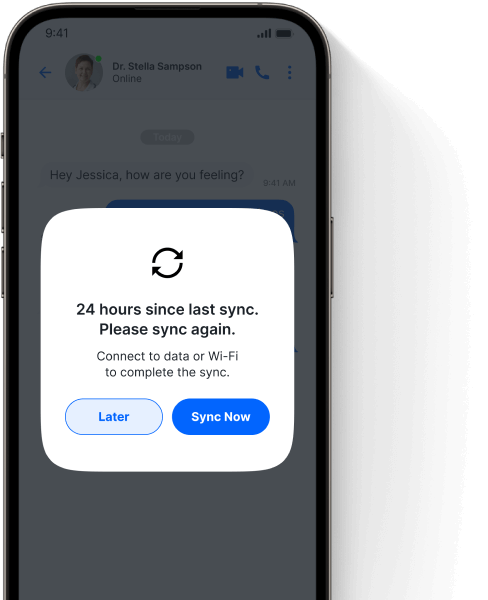
We implemented a message synchronization mechanism to ensure that healthcare professionals could access their communication history from any device.
WebSocket:
Enabled real-time, persistent connections for instant message delivery and updates.
Database Management:
AWS and MongoDB ensured efficient and reliable message storage, retrieval, and delivery.
Patient Engagement
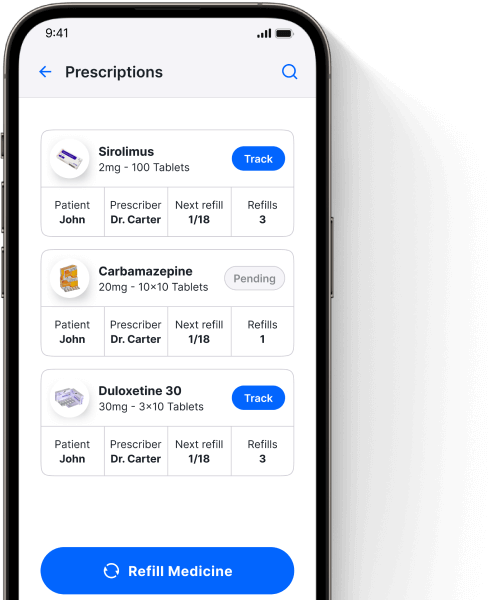
The app was designed to promote patient engagement. Patients could request medication refills and record their health concerns, ensuring a patient-centric approach to healthcare.
RESTful APIs:
Enabled patient interaction for medication requests and health concern recording.
Firebase Cloud Messaging:
Provided real-time updates, enhancing patient engagement.
Educational Resource Access
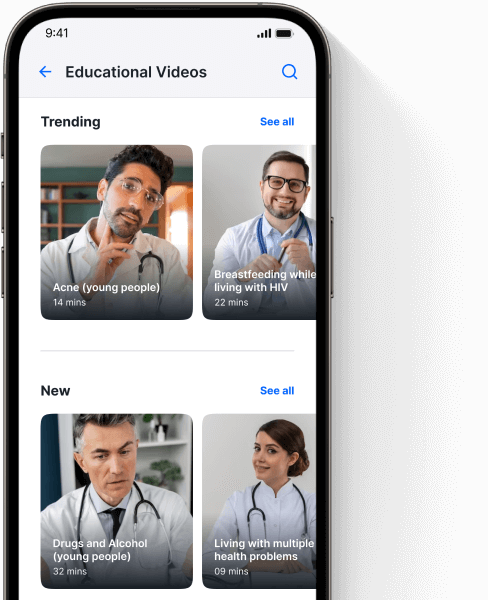
Providing access to educational videos uploaded by our client was also a critical objective. These resources would empower staff with the knowledge needed to excel in their roles.
Amazon S3 Cloud Servers:
Stored and delivered educational videos with adaptive bitrate streaming.
Secure URLs:
Accessed educational videos via secure URLs for authorized users.
Multi-Platform Compatibility
The chat functionality was designed to work seamlessly on both iOS and Android platforms.

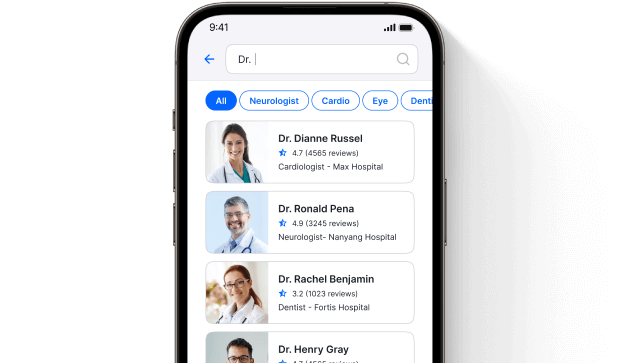
Search and Filter Functionality
We used Elasticsearch indexing for quick data retrieval of patient records, messages, and app information.
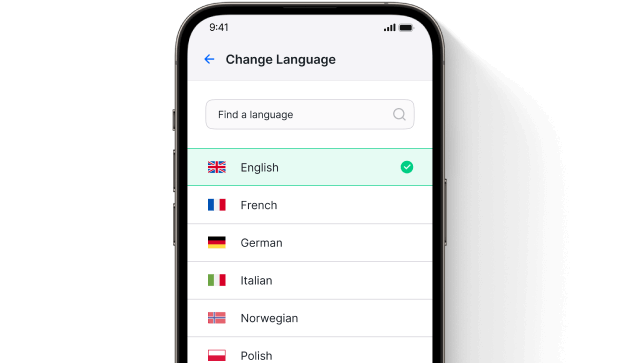
Multi-Lingual Support
We implemented resource files and i18n libraries to ensure accessibility for a diverse user base by supporting multiple languages.
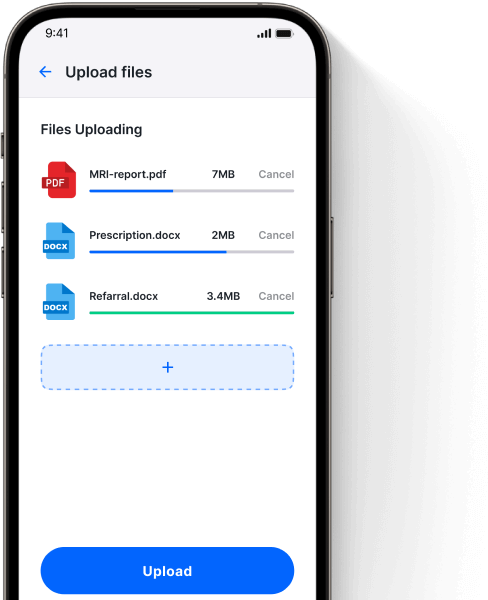
Secure Document Sharing
Healthcare professionals could securely share documents and resources through the app. This facilitated collaborative discussions and allowed for the easy exchange of essential information.
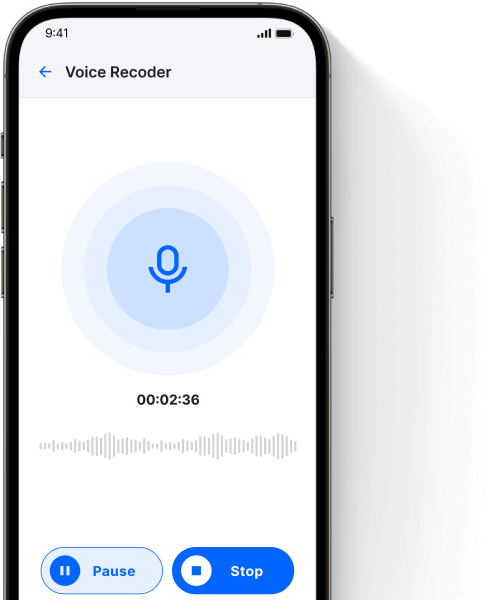
Recording Functionality
Patients can record their health concerns and questions for later consultation with healthcare professionals.
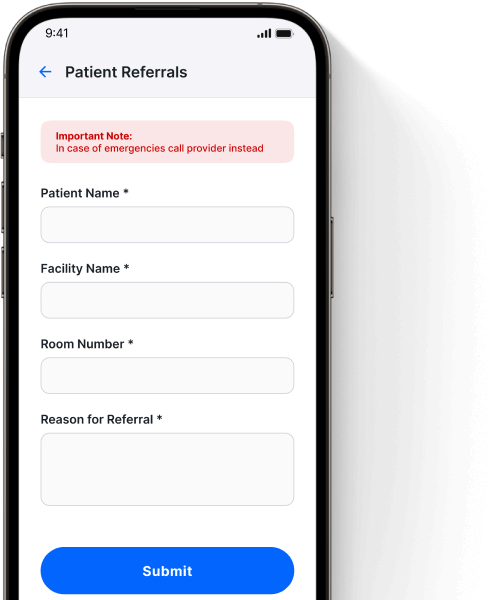
Patient Referral
The "Patient Referral" allows healthcare staff and doctors to refer patients to other specialists or facilities within the healthcare network, ensuring that patients receive the necessary care and treatment promptly.
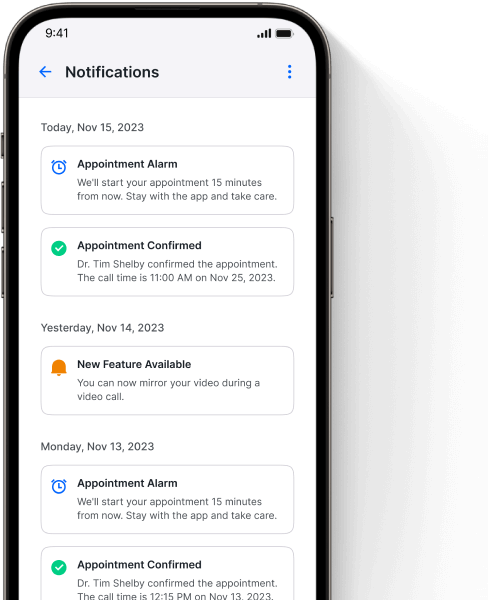
Notification System
To enhance collaboration, the app featured a notification system that alerted users to important updates and messages, ensuring timely responses and actions.
Firebase Cloud Messaging (FCM)
and Apple Push Notification Service (APNs):
Stored and delivered educational videos with adaptive bitrate streaming.
Tools that
Helped Us


These provided the foundation for building the iOS and Android apps, respectively.


MVVM and MVC were implemented to offer guidance for code organization without imposing strict implementation rules like frameworks do.


Git, along with GitHub, was employed for version control and collaborative code management. It allowed the development team to work on the project simultaneously, track changes, and manage code branches.

Firebase was used for real-time functionality within the app. Its features, such as authentication, real-time database, and cloud functions, facilitated user management and data synchronization.


Regular reference to the latest documentation from Apple and Android was essential to ensure compliance with platform-specific guidelines and best practices.
Meet Our Team
of Developers

Harsh
iOS Developer
Skills:
Swift, XCode, MVVM, REST, JSON, Data Binding, SOAP API’s
Simran
Backend Developer
Skills:
MongoDB, Firebase, MySQL, AWS EC2, Azure, Google Cloud
Narendra
Android Developer
Skills:
Kotlin, Android Studio, MVVM, REST, JSON, Data Binding, FCM